FREE · macOS 15+

Understand every word.In real time.

Translate meetings, calls, videos and everything else you hear on your Mac.

Built for macOS 15 and later · Apple silicon

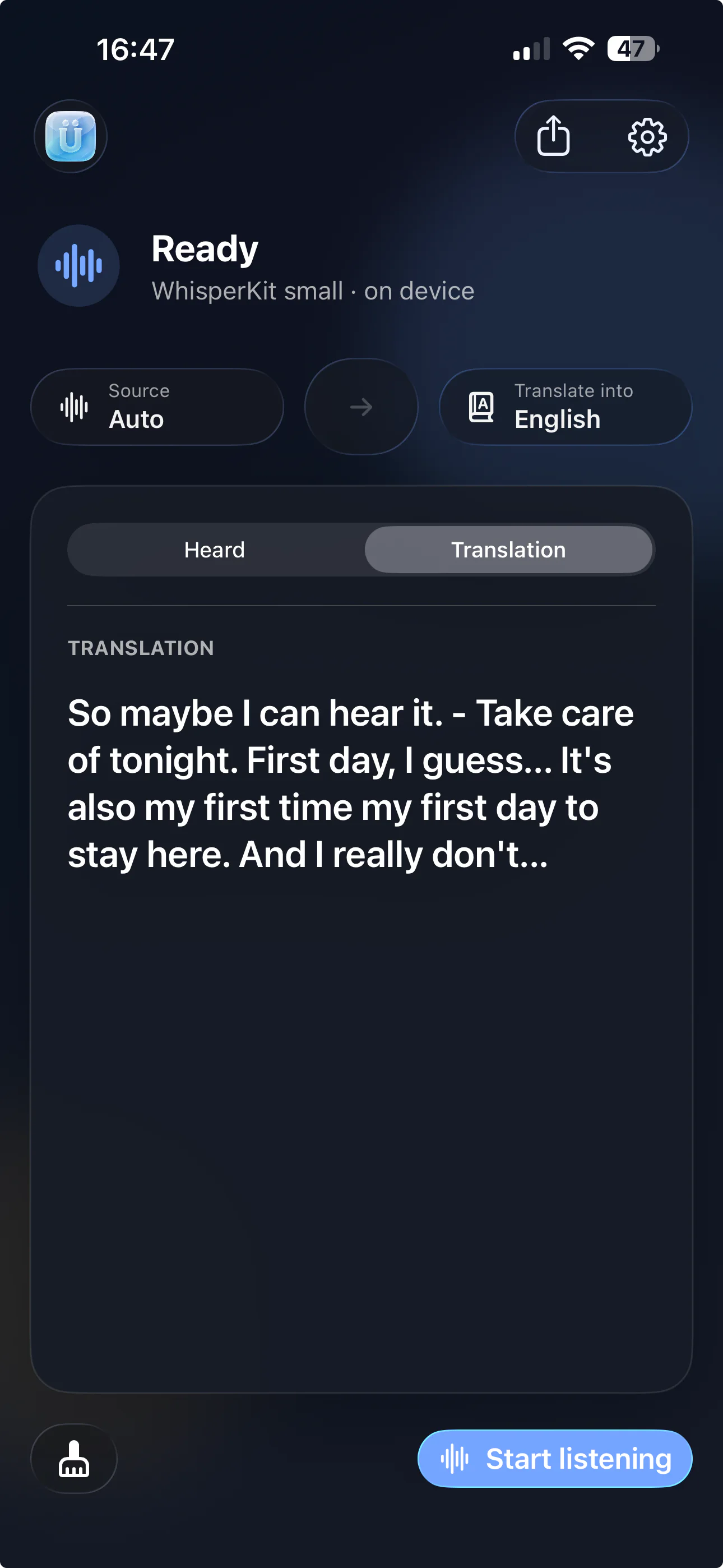
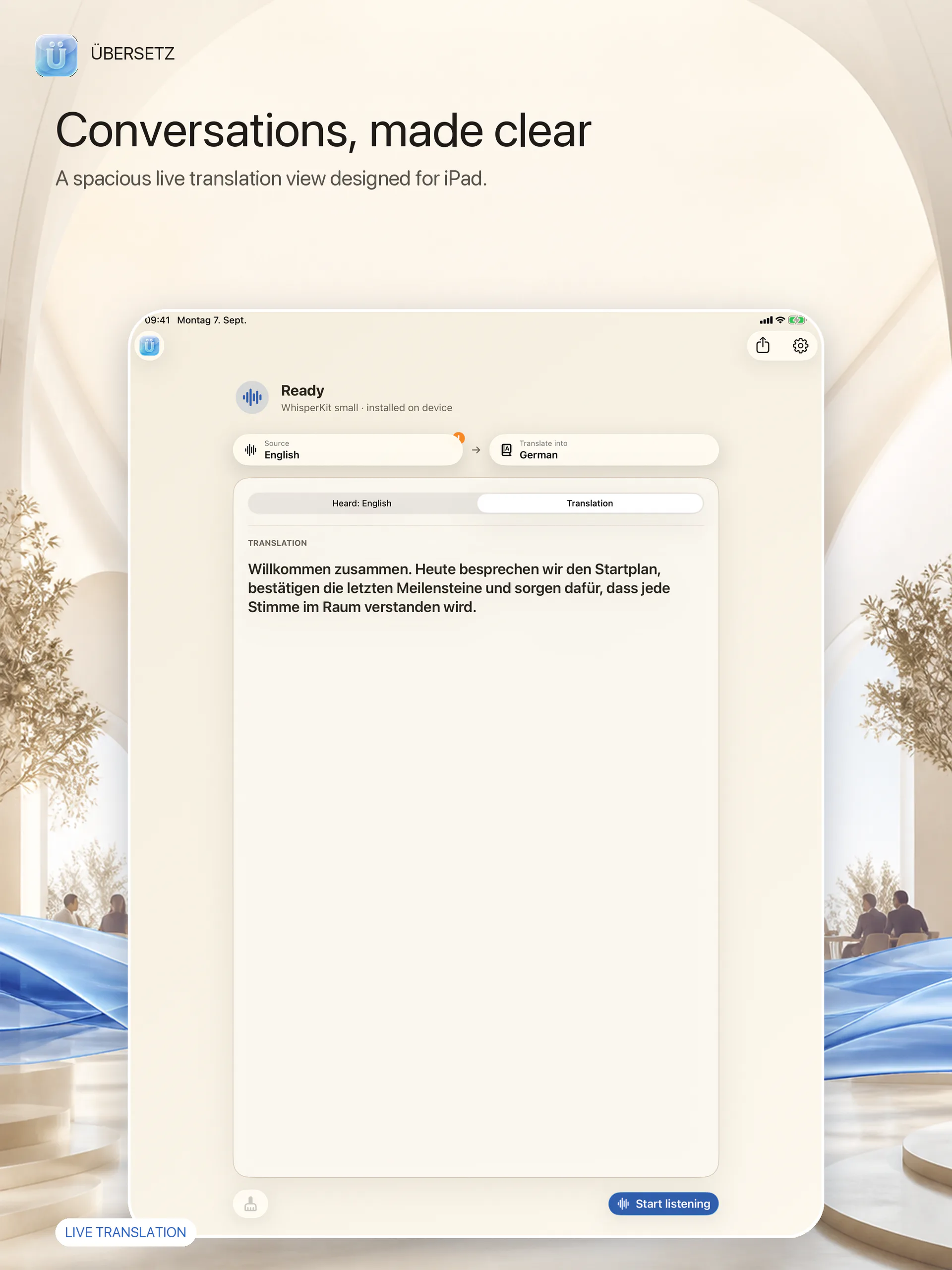
Übersetz translating a video conversation on macOS
Listen anywhereMicrophone, system audio, or both.
Translate instantlyFollow every sentence in real time.
Stay in contextKeep explanations close at hand.

Features

One calm place for every conversation.

Listen through your microphone, your Mac’s system audio, or both. Übersetz keeps the words, translation and context together without taking over your screen.

Listen anywhere

Hear your whole Mac

Capture your microphone, system audio, or both at once—from meetings and calls to videos and live streams.

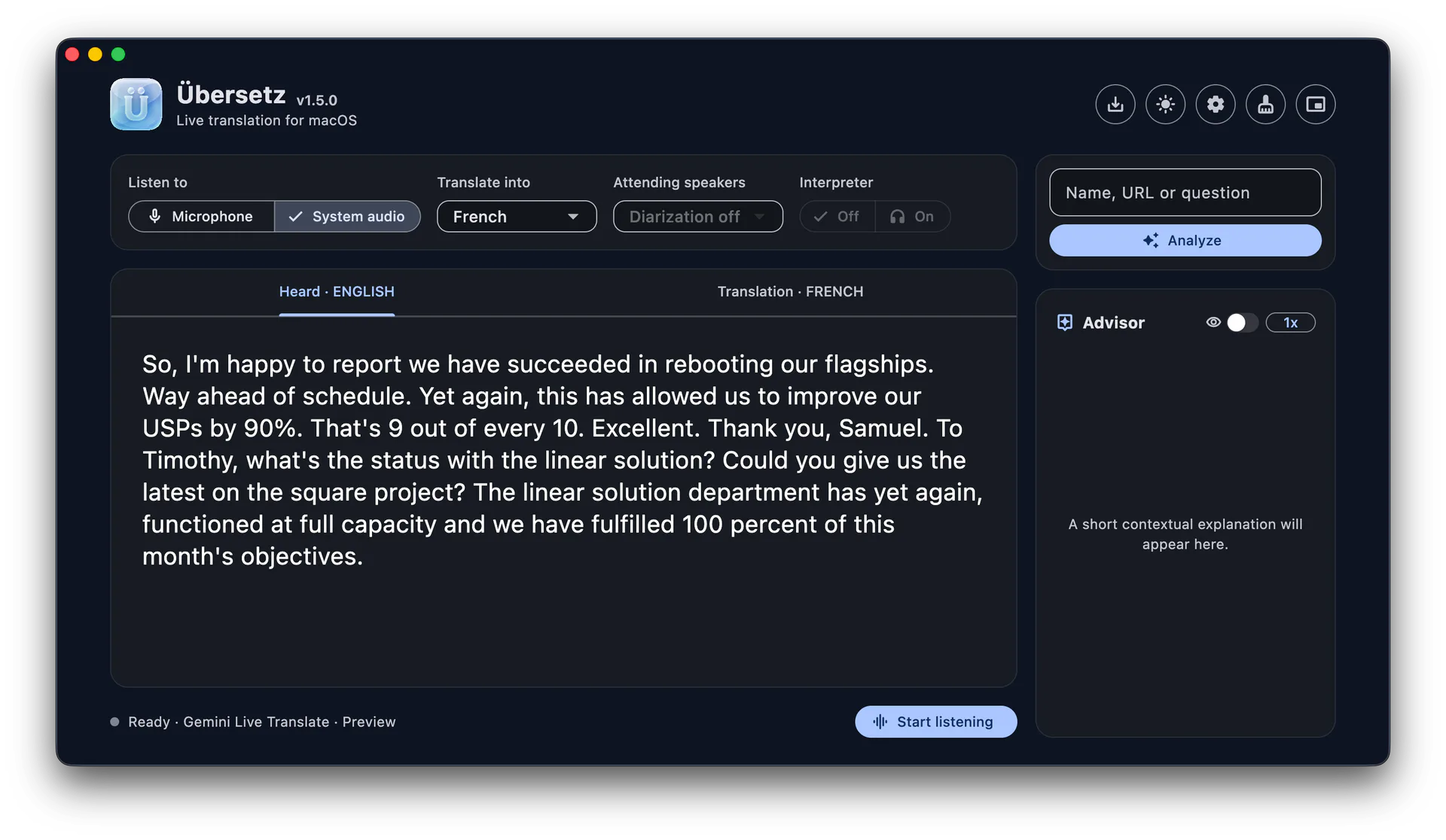
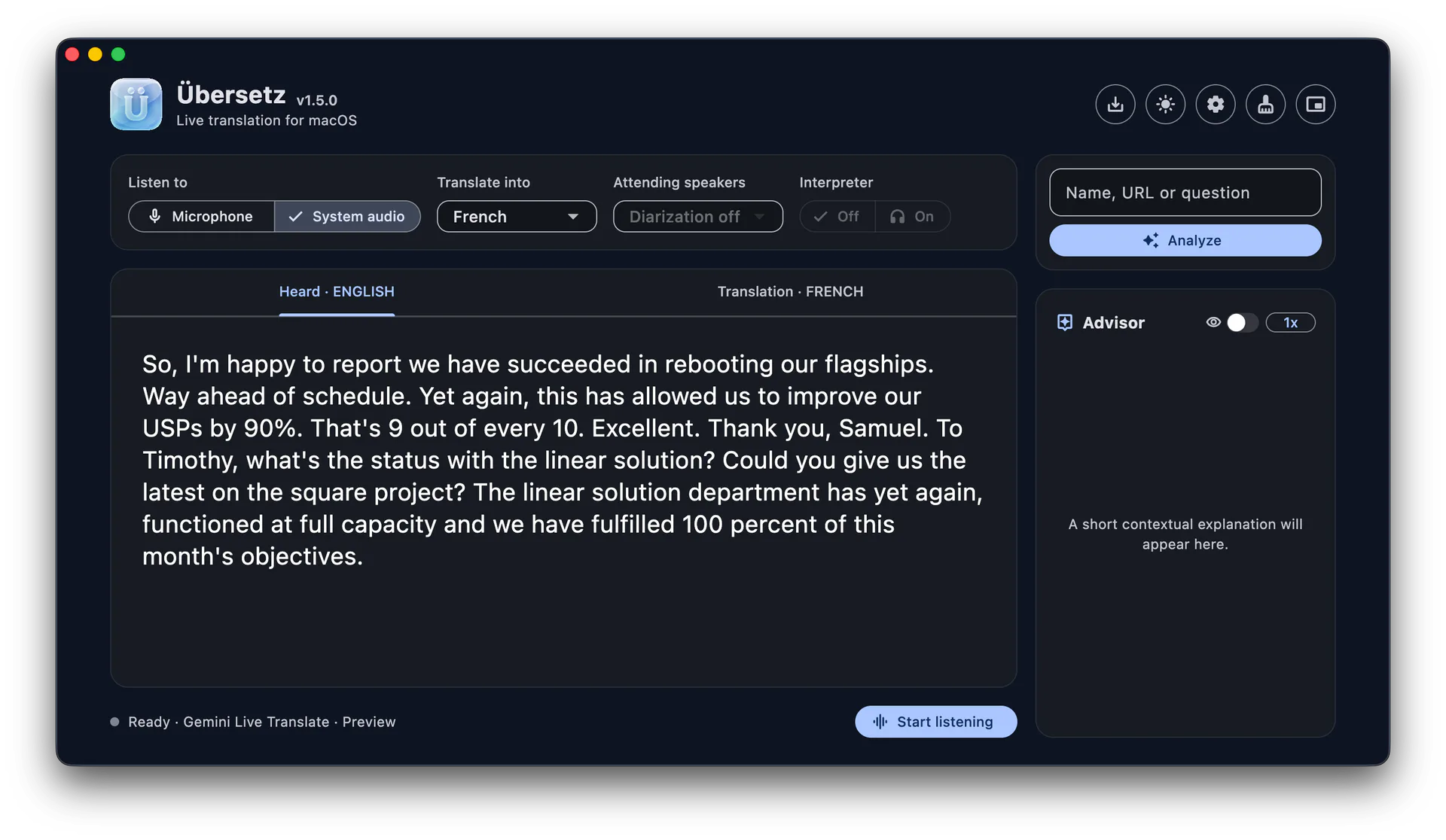
Übersetz main window showing a live English translation
Overlay

Keep the next line in sight

Place a compact two-line subtitle overlay above the app you are using and move it wherever it feels natural.

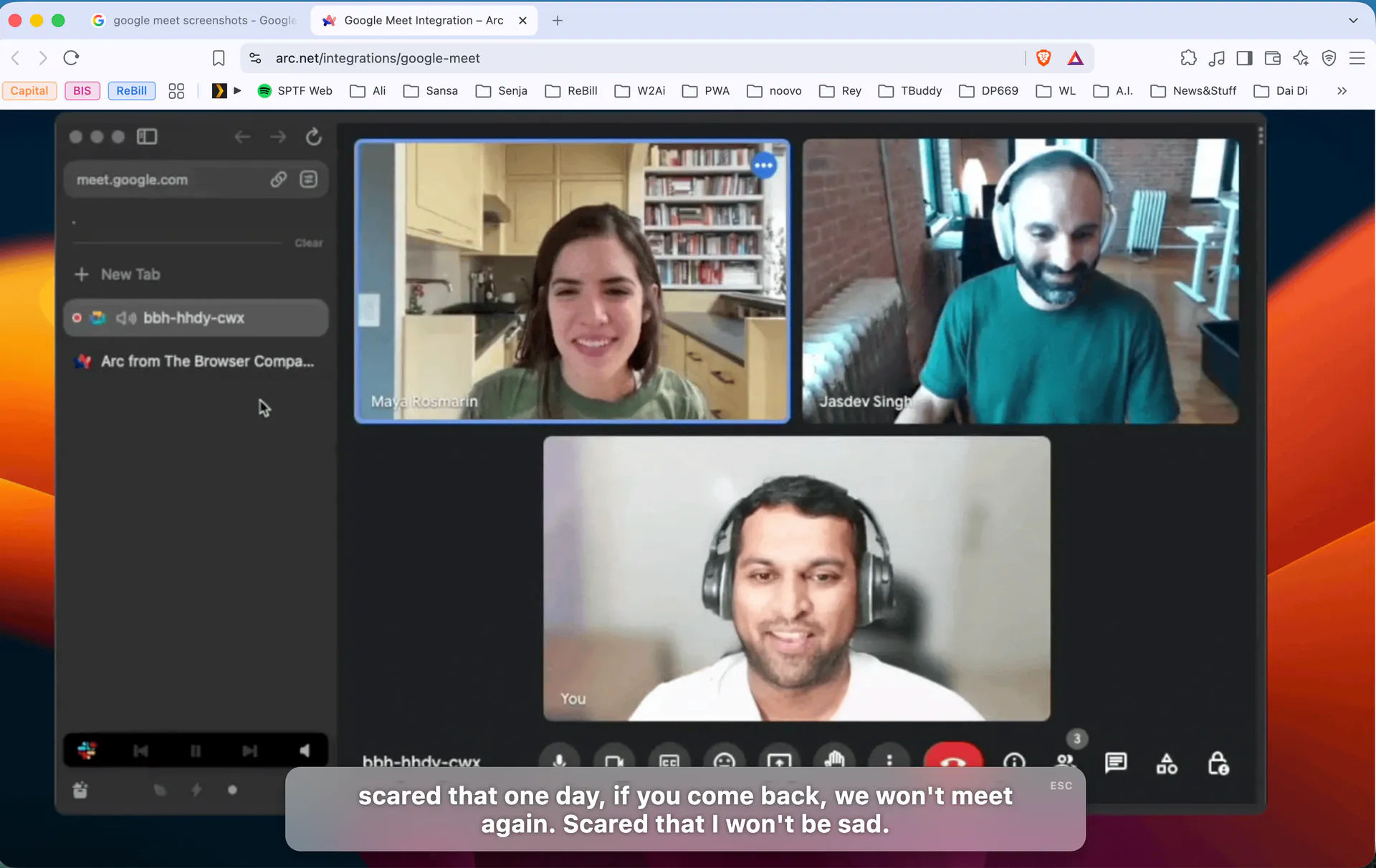
A video call with an Übersetz subtitle overlay
Advisor

Understand the context

Add a name, URL or question and ask the Advisor for a concise explanation without leaving the conversation.

How it works

From sound to meaning in three steps.

No complicated setup. Choose what you want to hear, decide where translation should run, and follow the conversation in the format that suits you.

01

Choose your audio

Use your microphone, your Mac’s system audio, or both at the same time.

02

Choose how to translate

Run a built-in local model, use GPT Realtime, or connect a compatible endpoint you control.

03

Follow the conversation

Read in the main window, switch to the overlay, and save the finished transcript only when you choose.

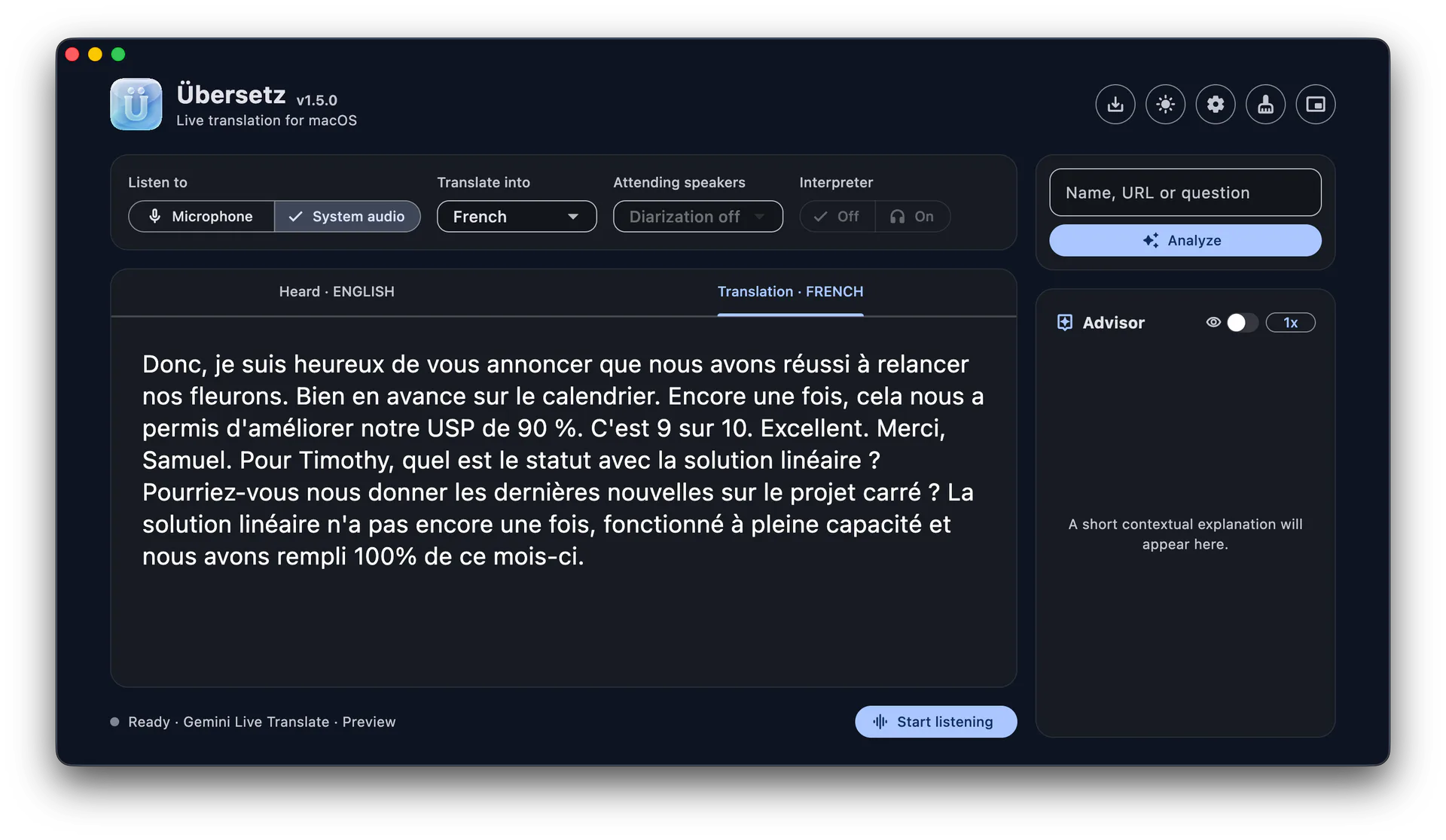
Übersetz Translation view showing translated speech

Privacy

Private when you choose local.

The honest privacy boundary is simple: built-in local models process on your Mac. Cloud modes send data only to the provider you explicitly select.

In local mode: no processing server. Übersetz stores no raw-audio archive. No screen capture.

AUDIO

Übersetz creates no audio archive

The app processes microphone and system audio live and does not write raw audio to disk. A selected cloud provider may apply its own retention terms.

SCREEN

Your screen is never captured

System audio uses a macOS audio tap. Übersetz never receives, saves or transmits screen pixels.

LOCAL

Local mode involves no processing server

After a built-in model is installed, transcription, translation and Advisor processing run on your Mac.

CHOICE

Cloud use is explicit

GPT Realtime and custom remote endpoints are optional. If you choose one, that provider receives the data needed to translate.

LOCAL RETENTION

Your current transcript stays on your Mac

Übersetz retains the current transcript locally so it can restore the session after relaunch. Clear removes it; Save creates the Markdown export you choose.

FOREVER FREE

No ads. No tracking. No subscriptions.

Übersetz itself is free and does not monetize your attention. It will stay that way.

Frequently asked questions

Useful answers before you download.

Übersetz helps you understand every word in real time, whether the sound comes from a meeting, a call, a video, your microphone or your Mac’s system audio. Here is what to know about cost, models, privacy, storage and setup.

How much does Übersetz cost?

Übersetz is free to download and use. There are no subscriptions, advertisements or tracking inside the app. Built-in local models can run on your Mac without a paid Übersetz account. If you choose GPT Realtime Translate or another remote provider, that provider may charge for API usage under its own pricing. Donations are optional and help fund development, testing and future model support.

Why is the download about 502 MB?

The disk image is larger than a typical utility because it includes the macOS app plus on-device speech-recognition and speaker-processing assets. Those components let Übersetz hear and prepare live audio locally instead of making every session depend on an Übersetz server. The installer does not contain every Qwen translation model. Local translation models are separate downloads, so you install only the model that suits your Mac and available memory.

Which translation models does Übersetz support?

You can use GPT Realtime Translate, built-in local combinations based on Whisper with Qwen2.5 1.5B, Qwen2.5 7B, Qwen3.5 9B or Qwen3.5 27B, or a custom model endpoint. Custom endpoints can use the Ollama or OpenAI-compatible API protocol. Larger local models generally need more memory and storage, while smaller models are easier to run. Actual speed and translation quality vary by language, hardware and model.

Does GPT Realtime Translate require my own API key?

Yes. GPT Realtime Translate is optional and requires an OpenAI API key that belongs to you. Übersetz does not include shared OpenAI access or bundle API usage with the free download. You create and manage the key in your own OpenAI developer account, then add it in the app’s settings. OpenAI usage and billing are governed by your OpenAI account.

Create or manage an OpenAI API key

Can I translate without sending audio to a server?

Yes, when you select a built-in local model. In local mode, transcription, translation and Advisor processing run on your Mac after the selected model has been downloaded. Übersetz does not operate a processing server for that workflow and does not create a raw-audio archive. If you explicitly select GPT Realtime or a custom remote endpoint, the chosen provider receives the data required to perform that service and its own terms apply.

Does Übersetz record my screen or save my conversations?

No screen pixels are captured. System audio is received through a macOS audio tap, so Übersetz can hear supported audio without reading or transmitting the screen. The app does not save raw microphone or system audio. It does retain the current transcript and Advisor state locally in Application Support so the session can be restored after relaunch. Clear removes that retained session; Save creates a separate Markdown export at the destination you choose.

What Mac do I need?

The current release requires macOS 15 or later and an Apple-silicon Mac. Local model requirements are additional: a small Qwen model can work on a Mac with less memory, while the largest built-in option is intended for machines with substantially more unified memory. Übersetz checks model availability before use, and local model files consume extra disk space after you download them.

Do the local models download automatically?

The app download includes the core speech assets needed for the local workflow, but the Qwen translation models are installed separately. You choose a model and initiate its download, which avoids placing several gigabytes of models in the initial 502 MB installer. The available Qwen downloads range from roughly 1 GB to more than 16 GB. You can therefore choose based on translation needs, free storage and your Mac’s memory.

Which languages can it translate?

Übersetz is designed for multilingual speech and lets you enable the languages relevant to you. Coverage and quality depend on the selected transcription and translation model, and not every language performs equally well with every model. GPT Realtime, the local Qwen options and custom endpoints can have different strengths. For important conversations, test your source and target language with the exact model you plan to use.

Can it translate meetings, videos and calls from other apps?

Yes. Übersetz can listen to your microphone, your Mac’s system audio, or both, so it can follow supported meetings, calls, videos and live streams without a dedicated integration for each app. You can read the original speech and translation in the main window or keep a compact subtitle overlay close to the conversation. Audio availability can still depend on macOS permissions and the source application.

Does Übersetz need an internet connection?

The initial app download and any local model download require internet access. After the required assets are installed, the built-in local workflow can process a conversation on your Mac without an Übersetz processing server. GPT Realtime Translate and custom remote endpoints naturally require a network connection to their provider. An internet connection may also be needed when you choose to download a different model or a future app update.

Why is Übersetz built with Flutter?

Flutter provides a shared foundation for the interface, translation workflow and product logic while still allowing Übersetz to use native macOS capabilities where they matter, including system-audio and on-device processing integrations. The current release is macOS-only, but web and mobile versions are planned alongside future Windows and Linux editions. The goal is to bring the same focused translation experience to all major platforms without rebuilding the entire product independently for each one. These versions are on the roadmap and are not available yet; their scope and release timing may change as the macOS app evolves.

Free for macOS 15+

Let the conversation flow.

Übersetz itself is free. Optional cloud providers may charge separately. Built-in local models download once and then run on your Mac.

 Download Free1.0.9Requires macOS 15 or later on Apple silicon.

Support Übersetz

Help Übersetz keep getting better.

Your donation supports the work required to improve translation quality, add more languages and models, and polish the macOS experience. It also helps keep Übersetz forever free—with no ads, tracking, or subscriptions.

Every contribution is optional and appreciated.