FREE · macOS 15+

Understand meetings, calls, videos and system audio as they happen—with private local models, Apple Translate, or optional GPT and Gemini cloud providers.

Built for macOS 15 and later · Apple silicon

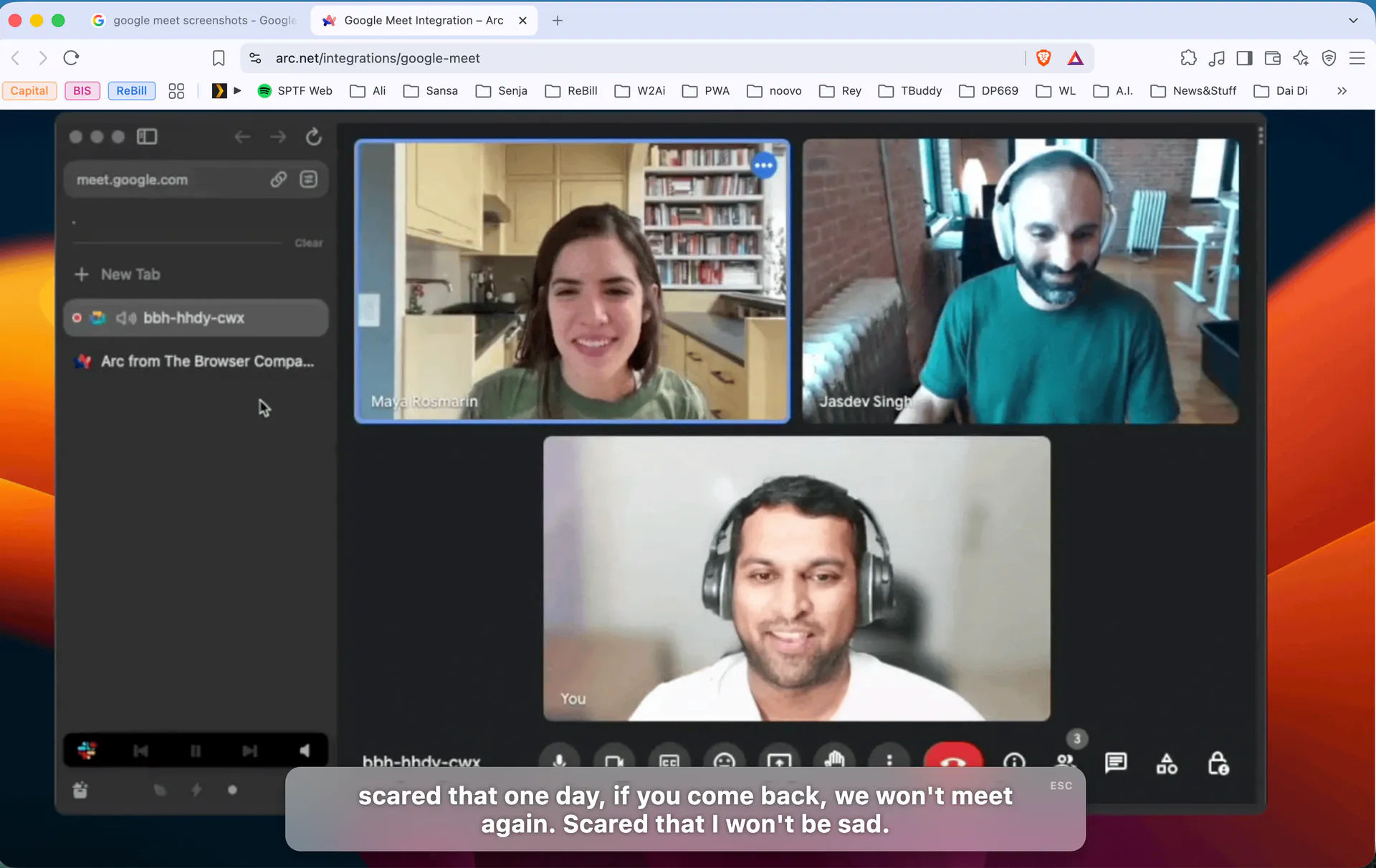
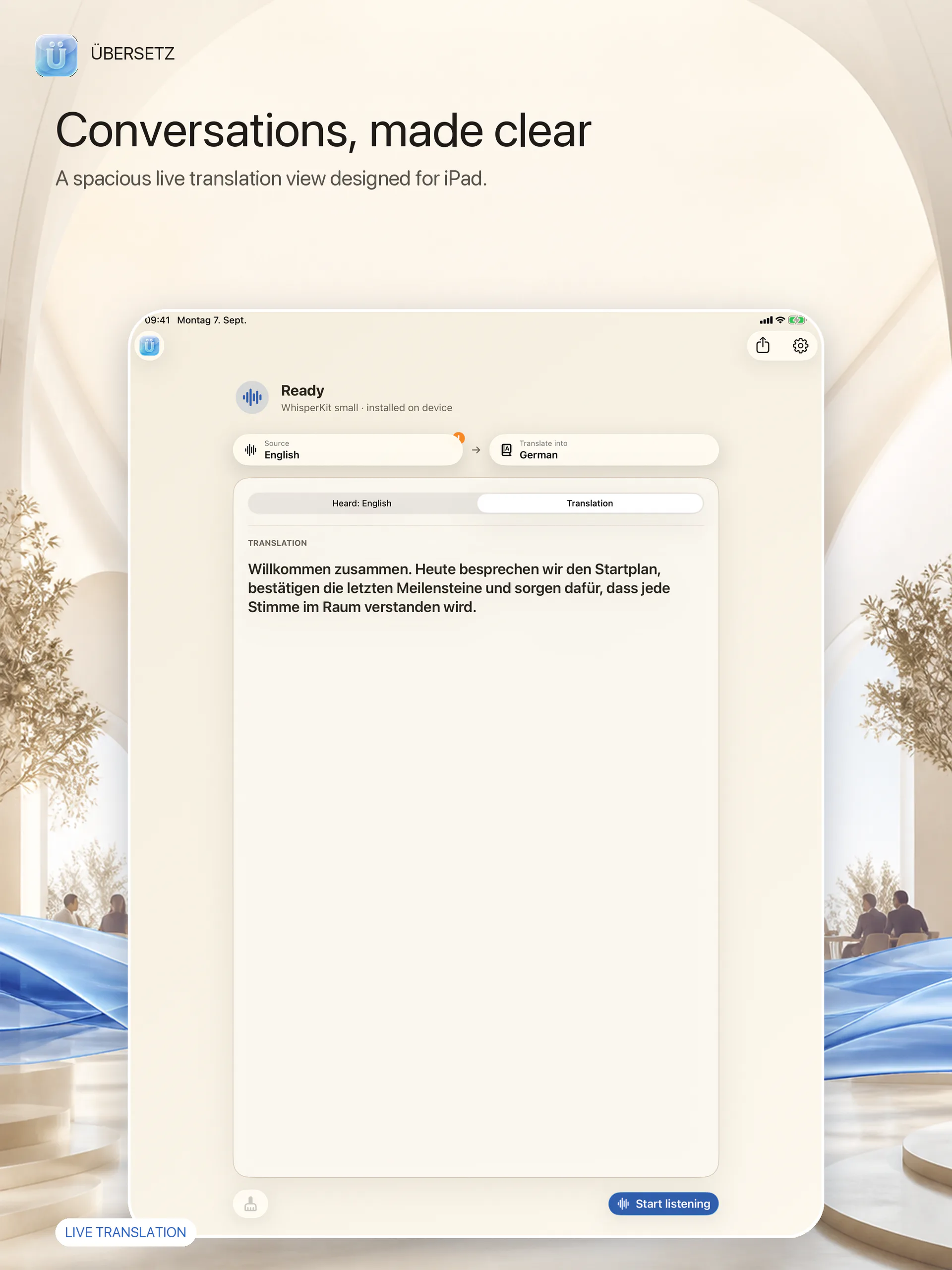
Übersetz translating a video conversation on macOS
Listen anywhereMicrophone, system audio, or both.
Translate instantlyFollow every sentence in real time.
Stay in contextKeep explanations close at hand.

Features

One AI speech translator for every conversation.

Translate your microphone, your Mac’s system audio, or both in real time. Übersetz keeps the original words, translation and context together without taking over your screen.

Listen anywhere

Translate microphone and Mac system audio

Use your microphone, your Mac’s system audio, or both at once. Follow meetings, calls, videos, podcasts and live streams directly from the apps you already use—no meeting bot or special integration required. Übersetz is useful beyond translation, too: live transcription can make strong accents, regional dialects and fast or unclear speech much easier to follow.

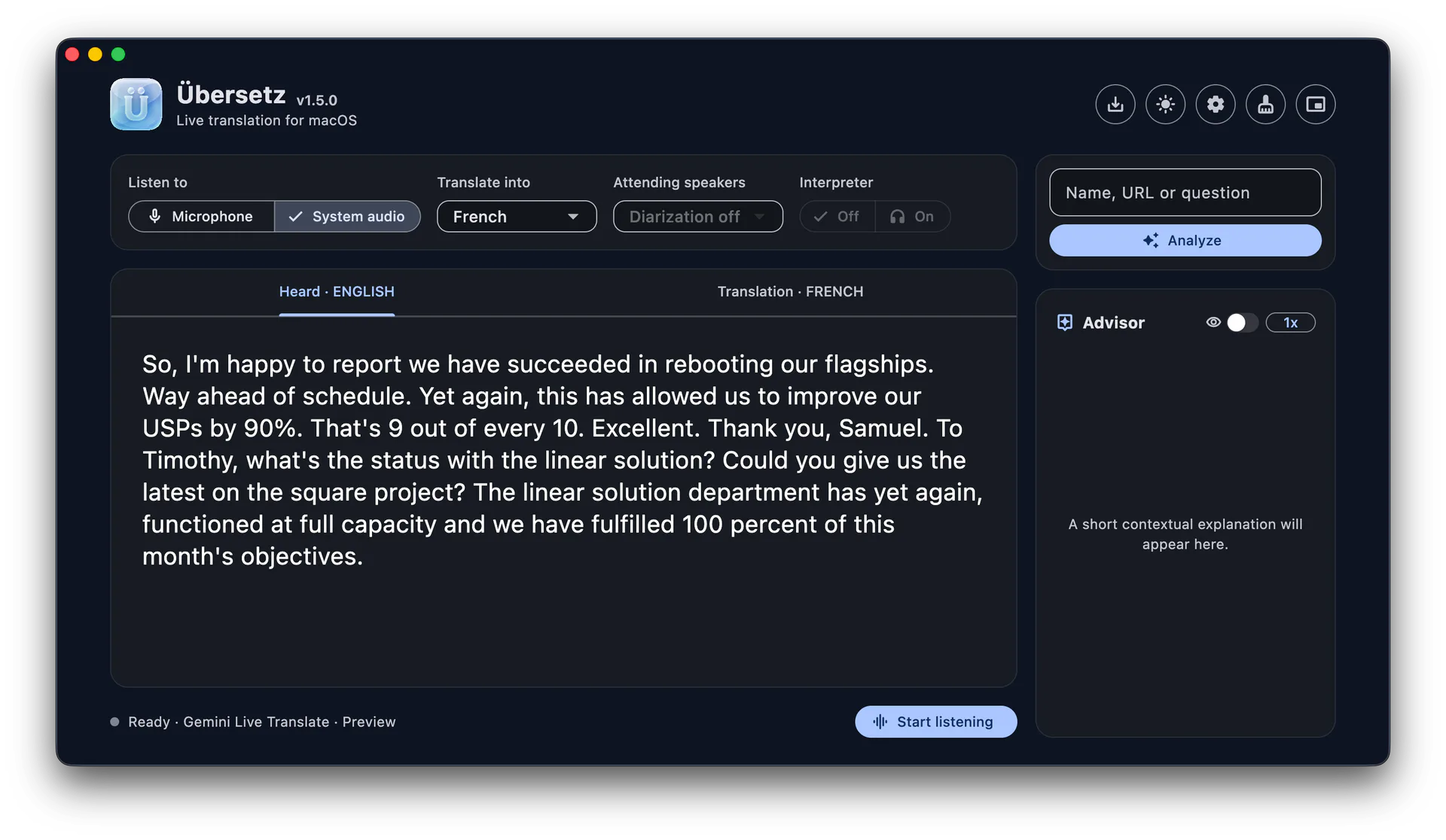
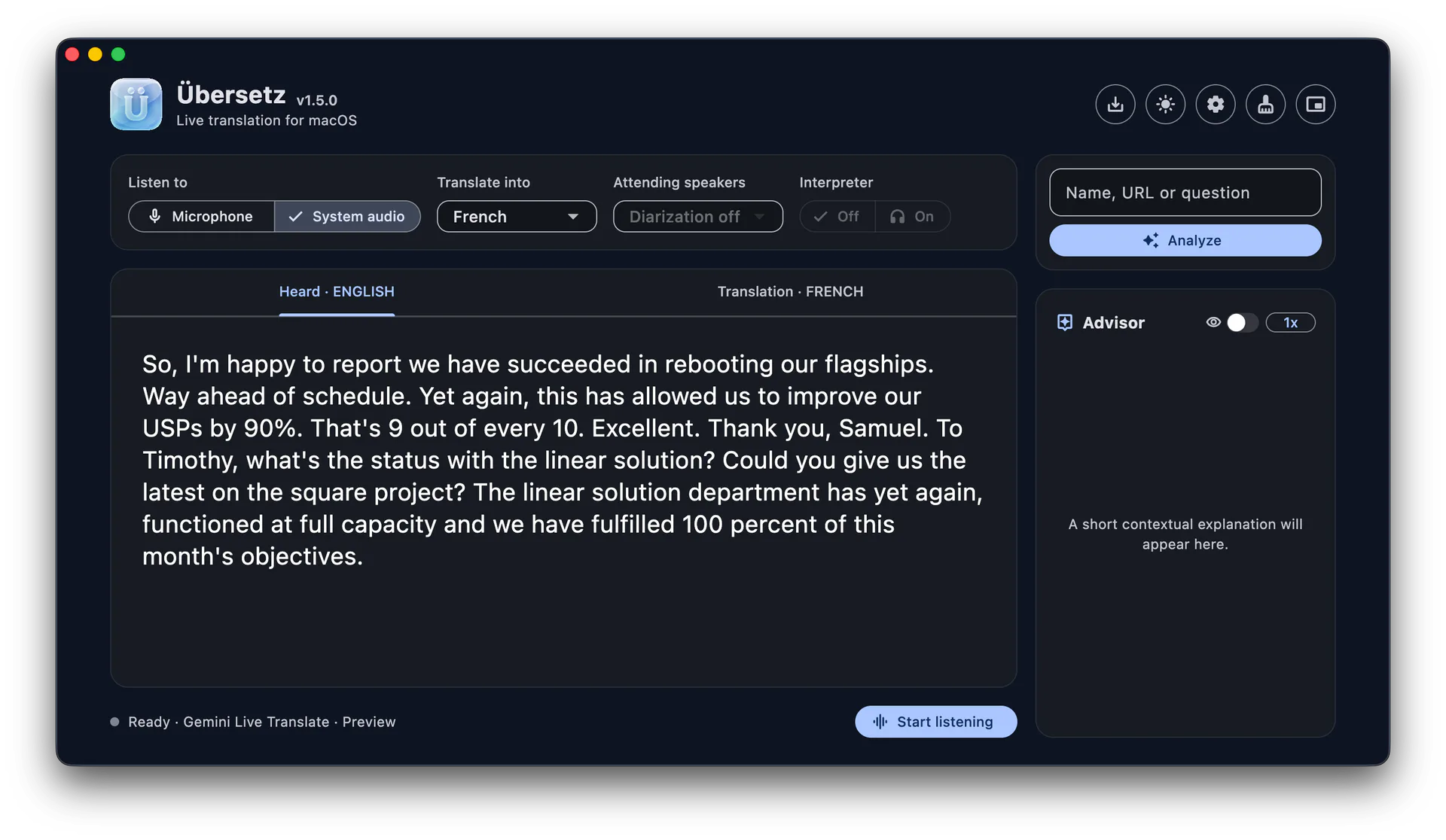
Übersetz main window showing a live English translation
Overlay

Live translated captions for meetings and calls

Place an adaptive subtitle overlay above the app you are using. It grows to keep the current caption visible, returns to a compact height for shorter captions, and can be moved wherever it feels natural.

A video call with an Übersetz subtitle overlay
Advisor

Understand the context

Add a name, URL or question and ask the Advisor for a concise explanation without leaving the conversation.

How it works

From sound to meaning in three steps.

No complicated setup. Choose what you want to hear, decide where translation should run, and follow the conversation in the format that suits you.

01

Choose your audio

Use your microphone, your Mac’s system audio, or both at the same time.

02

Choose where translation runs

Choose GPT Realtime, Gemini Live Preview, Apple Translate, Local models, or a compatible endpoint you control.

03

Follow the conversation

Read in the main window, switch to the overlay, and save the finished transcript only when you choose.

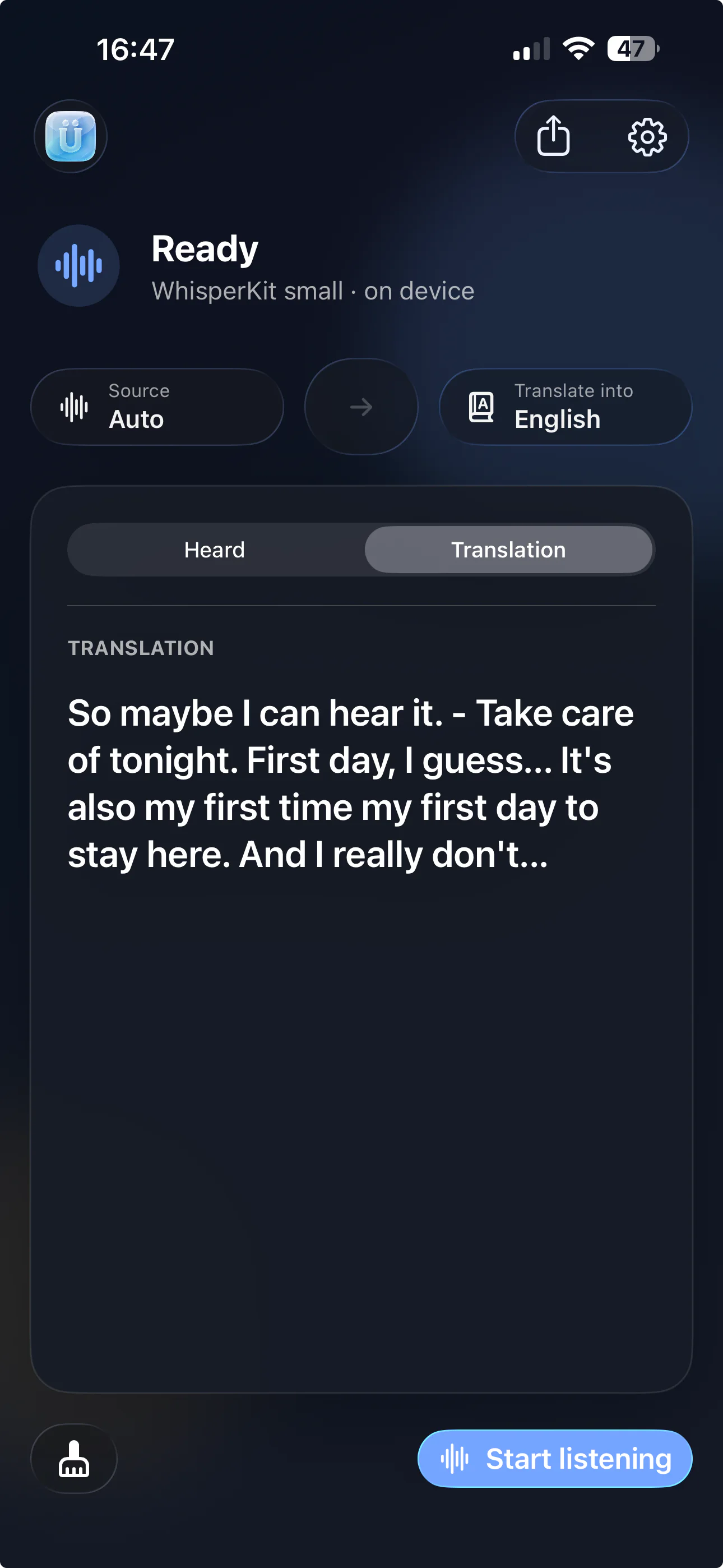
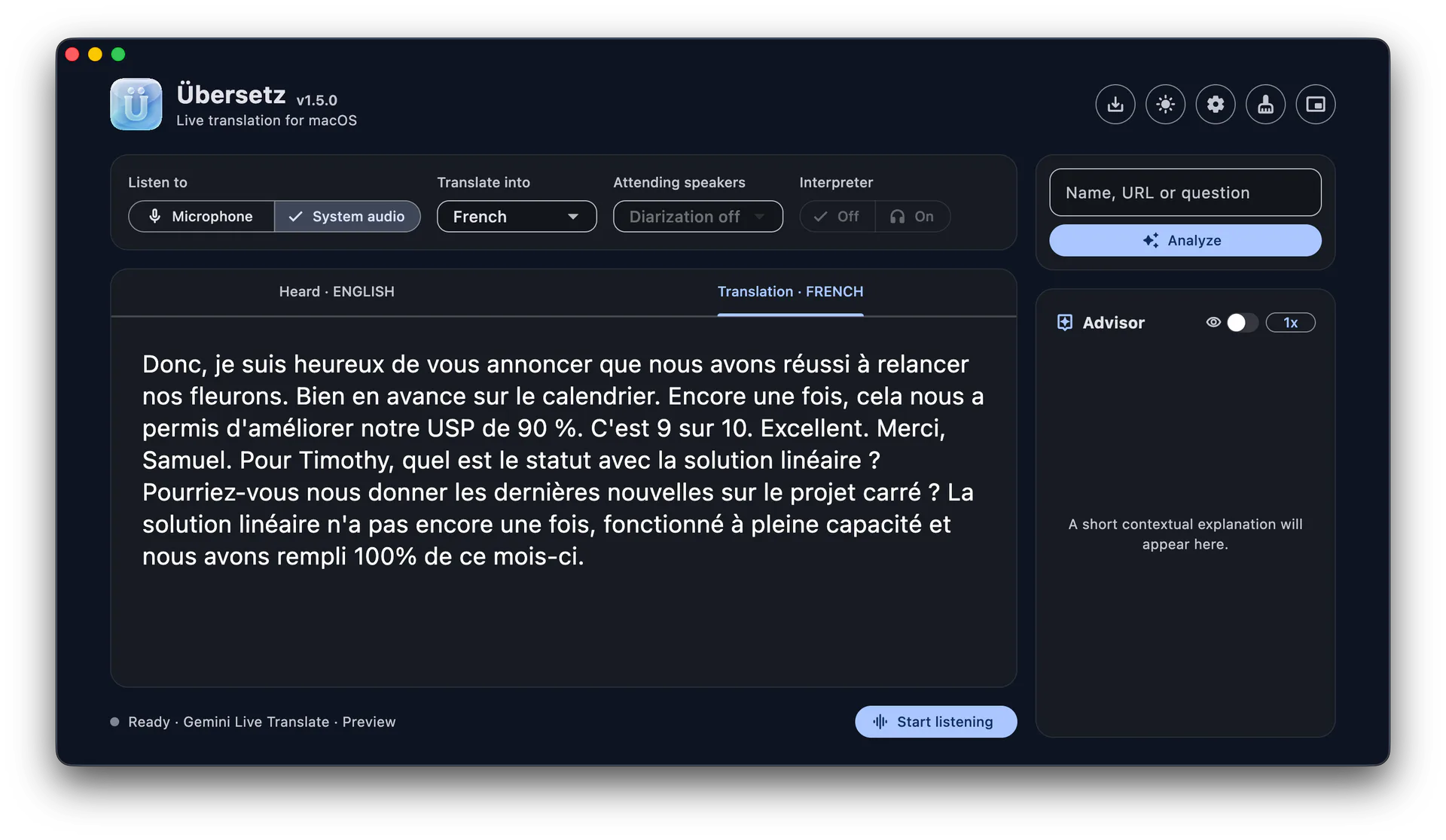
Übersetz Translation view showing translated speech

Privacy

Private, on-device translation for your Mac.

The honest privacy boundary is simple: built-in local models process on your Mac. Cloud modes send data only to the provider you explicitly select.

In local mode: no processing server. Übersetz stores no raw-audio archive. No screen capture.

AUDIO

Übersetz creates no audio archive

The app processes microphone and system audio live and does not write raw audio to disk. A selected cloud provider may apply its own retention terms.

SCREEN

Your screen is never captured

System audio uses a macOS audio tap. Übersetz never receives, saves or transmits screen pixels.

LOCAL

Local mode involves no processing server

After a built-in model is installed, transcription, translation and Advisor processing run on your Mac.

CHOICE

Cloud use is explicit

GPT Realtime, Gemini Live and custom remote endpoints are optional. If you choose one, that provider receives the data needed to translate or advise.

LOCAL RETENTION

Your current transcript stays on your Mac

Übersetz retains the current transcript locally so it can restore the session after relaunch. Clear removes it; Save creates the Markdown export you choose.

FOREVER FREE

No ads. No tracking. No subscriptions.

Übersetz itself is free and does not monetize your attention. It will stay that way.

Models & providers

Choose where your translation runs.

No single model is right for every conversation. Übersetz lets you use OpenAI or Google realtime translation, keep the workflow on your Mac, use Apple’s native translation framework, or connect an endpoint you control. Each option has a different balance of speed, privacy, memory use and setup.

OpenAI cloud
CloudOwn API key

GPT Realtime Translate

GPT Realtime Translate provides continuous live transcription and translation through OpenAI. It requires an internet connection and your own OpenAI API key, which Übersetz stores in macOS Keychain.

Audio and session data required for translation are sent to OpenAI. OpenAI’s pricing, retention policies and account terms apply; API usage is not included with the free Übersetz download.

  • No local translation-model download
  • OpenAI account and API billing required
  • Advisor available
  • Internet connection required
Google cloud · Preview
CloudOwn API keyPreview

Gemini Live Translate

Gemini Live Translate Preview provides direct live transcription and translation through Google's Gemini API. It requires an internet connection, a supported target language, provider disclosure acceptance and your own Google Gemini API key.

The Google key is stored separately from the OpenAI key in macOS Keychain. Audio and relevant Advisor text are sent to Google only while Gemini is selected. Google pricing, quota, retention, regional availability, project access and Preview-model changes apply.

  • Opt-in Preview provider
  • Independent Google API key
  • Gemini Advisor and speech available
  • No silent fallback to another provider
Built-in local
On-deviceNo Ollama required

Managed Qwen and installed Ollama models

Übersetz bundles Whisper for speech recognition and an embedded llama.cpp runtime for four managed Qwen choices. You download a managed model separately; Ollama is not required for these four choices.

If Ollama is running locally, Übersetz also discovers its installed models. Equivalent managed and Ollama copies appear once per family, with the installed Ollama copy preferred automatically. Add local model opens a curated Ollama catalogue plus an advanced tag field.

  • Four integrity-verified managed Qwen models
  • Installed Ollama models discovered locally
  • Advisor available
  • Catalogue models are not quality benchmarks
Apple on-device
On-devicemacOS 26.4+

Apple Translate

Apple Translate combines Übersetz’s bundled Whisper language detection with Apple’s on-device Translation framework and installed language packs.

Low Latency is used by default. Übersetz can prefer Apple High Fidelity when the required Apple Intelligence model is available, with Apple controlling fallback behavior. Translation languages are managed through macOS System Settings.

  • Requires macOS 26.4 or later
  • Uses Apple-supported language packs
  • No Übersetz processing server
  • Advisor unavailable with this provider
Your infrastructure
OllamaOpenAI-compatible

Custom endpoints

Connect an Ollama server or an OpenAI-compatible API and choose the model identifier yourself. The endpoint may run on your Mac, elsewhere on your local network, or through a remote provider.

Übersetz supports unauthenticated endpoints, bearer tokens or API keys, and Cloudflare Access service tokens. Credentials are stored in macOS Keychain. Balanced and Low Latency translation cadences are available.

  • Local, private-network or remote hosting
  • Privacy depends on the endpoint you choose
  • Advisor uses the configured endpoint
  • Low Latency sends shorter segments more often

Frequently asked questions

Useful answers before you download.

Übersetz helps you understand every word in real time, whether the sound comes from a meeting, a call, a video, your microphone or your Mac’s system audio. Here is what to know about cost, models, privacy, storage and setup.

Free for macOS 15+

Download the free speech translator for Mac.

Übersetz itself is free. Optional cloud providers may charge separately. Built-in local models download once and then run on your Mac.

 Download Free1.2.1Requires macOS 15 or later on Apple silicon.

Support Übersetz

Help Übersetz keep getting better.

Your donation supports the work required to improve translation quality, add more languages and models, and polish the macOS experience. It also helps keep Übersetz forever free—with no ads, tracking, or subscriptions.

Every contribution is optional and appreciated.